
Here’s a quick, Thanksgiving post, for all you Sitecore peeps – GOBBLE GOBBLE!

The Problem
While working on an upgrade from 10.3.1 to 10.4 and JSS 22.2.1, we ran across an issue in Experience Editor. When you click the button below in the Edit Frame:
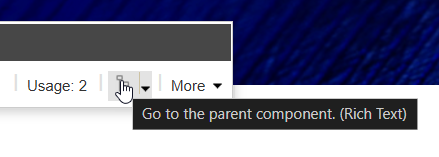
You would get this error:
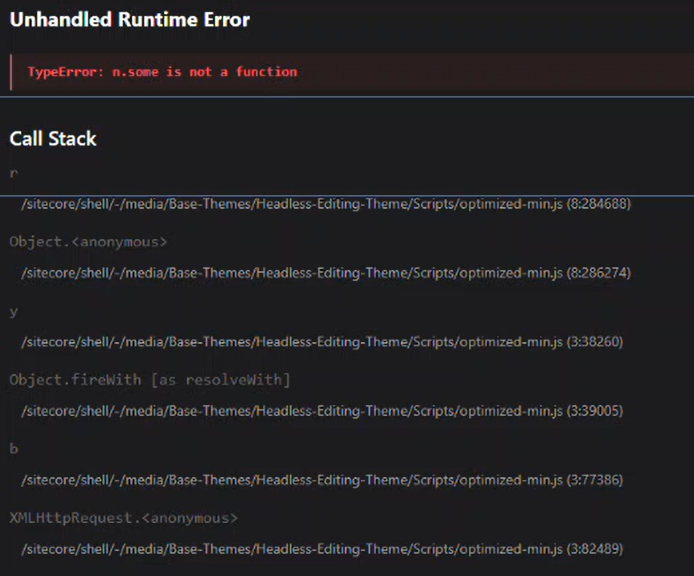
You could click the page to dismiss this error, but it appeared as though you could safely ignore it and continue editing successfully. Regardless, this is a pretty disruptive and non-confidence-inspiring experience for authors.
The Solution
Thanksfully, however, it turns out the solution is really simple, if not a little depressing that Sitecore didn’t include this step in upgrade documentation somewhere…
If you navigate to the Base Themes folder in the Media Library and open Headless Editing Theme/Scripts, you will likely find an item in there named optimized-min. Delete this item. It contains obsolete javascript from SXA.
Viola, your problem is solved.
Happy Sitecore trails, my friend!
 CitizenSitecore